
Gnaroshi Studio
Studio keeps paper notes and writing in their owning repositories while coordinating review, checkpoint, and publish steps from one local app.
At a glance
- For
- A local research and writing workflow
- Primary use
- Review work, checkpoint source repositories, preview the public diff, and publish only after confirmation.
Example workflow
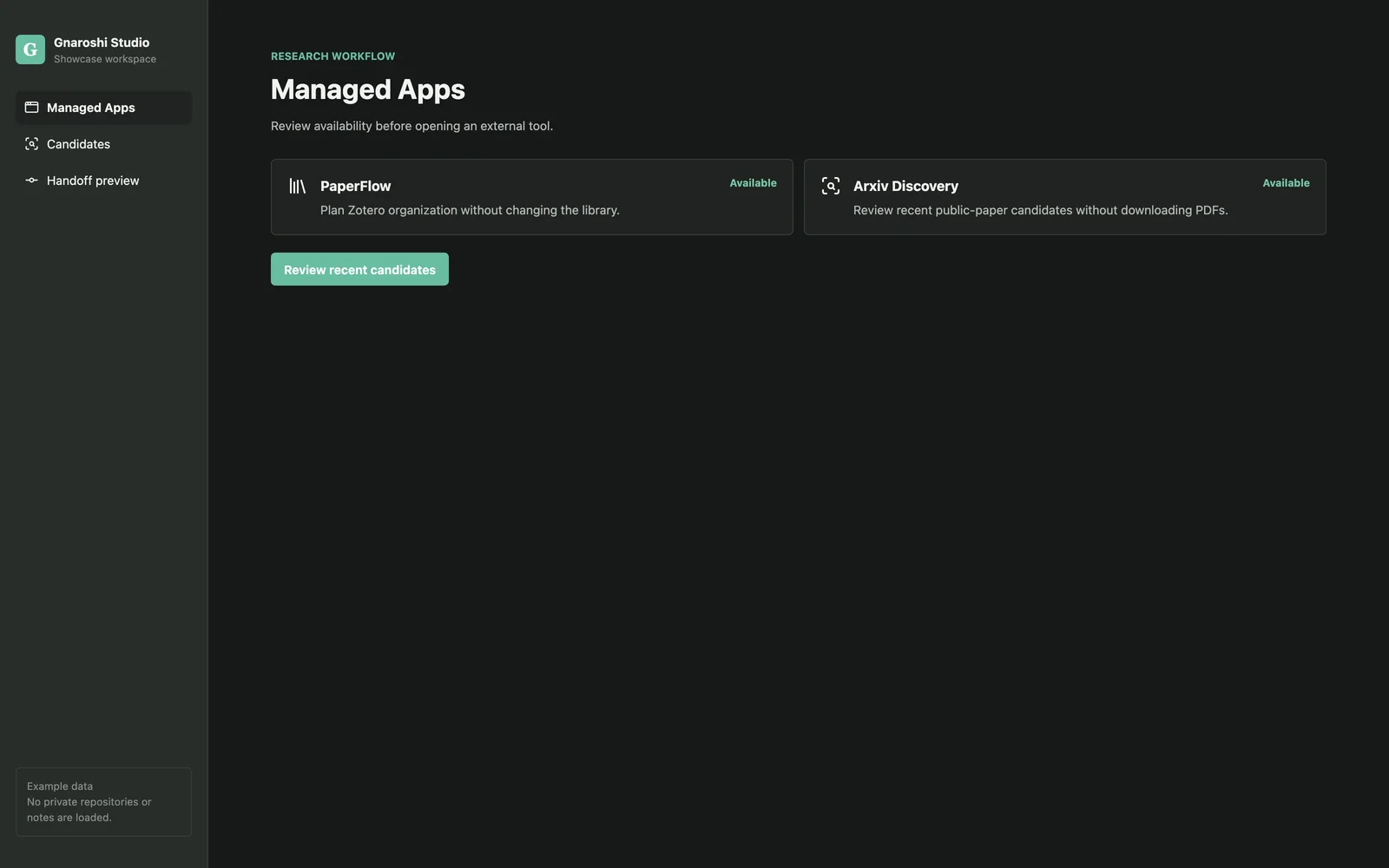
Review managed apps
Confirm PaperFlow and Arxiv Discovery are available before starting a handoff.
Inspect candidates
Review a small list of clearly labeled example paper metadata.
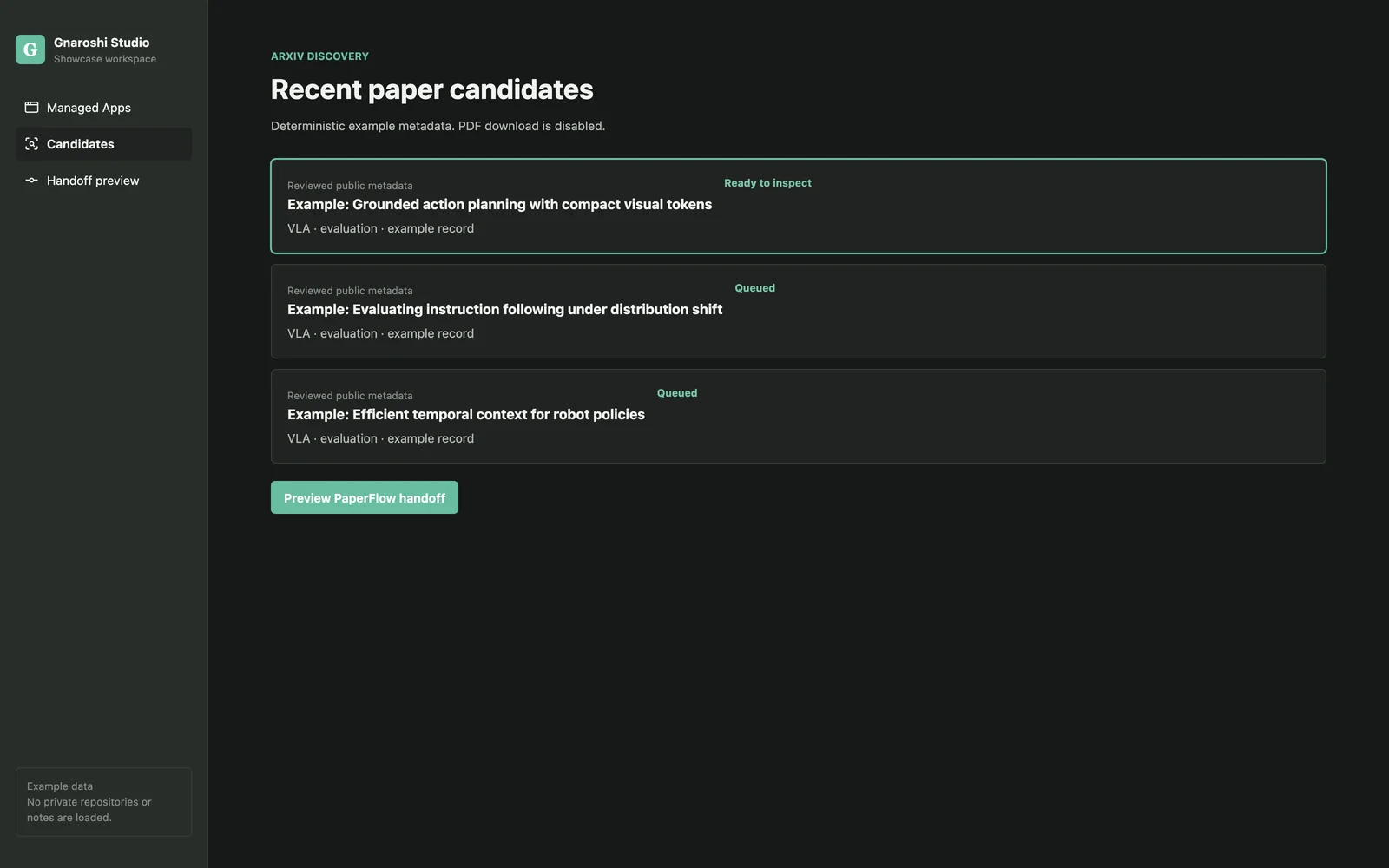
Review candidate metadata before selecting a next action. The titles and app activity shown are deterministic demo data. Preview the handoff
Check exactly which public metadata would be sent to PaperFlow.
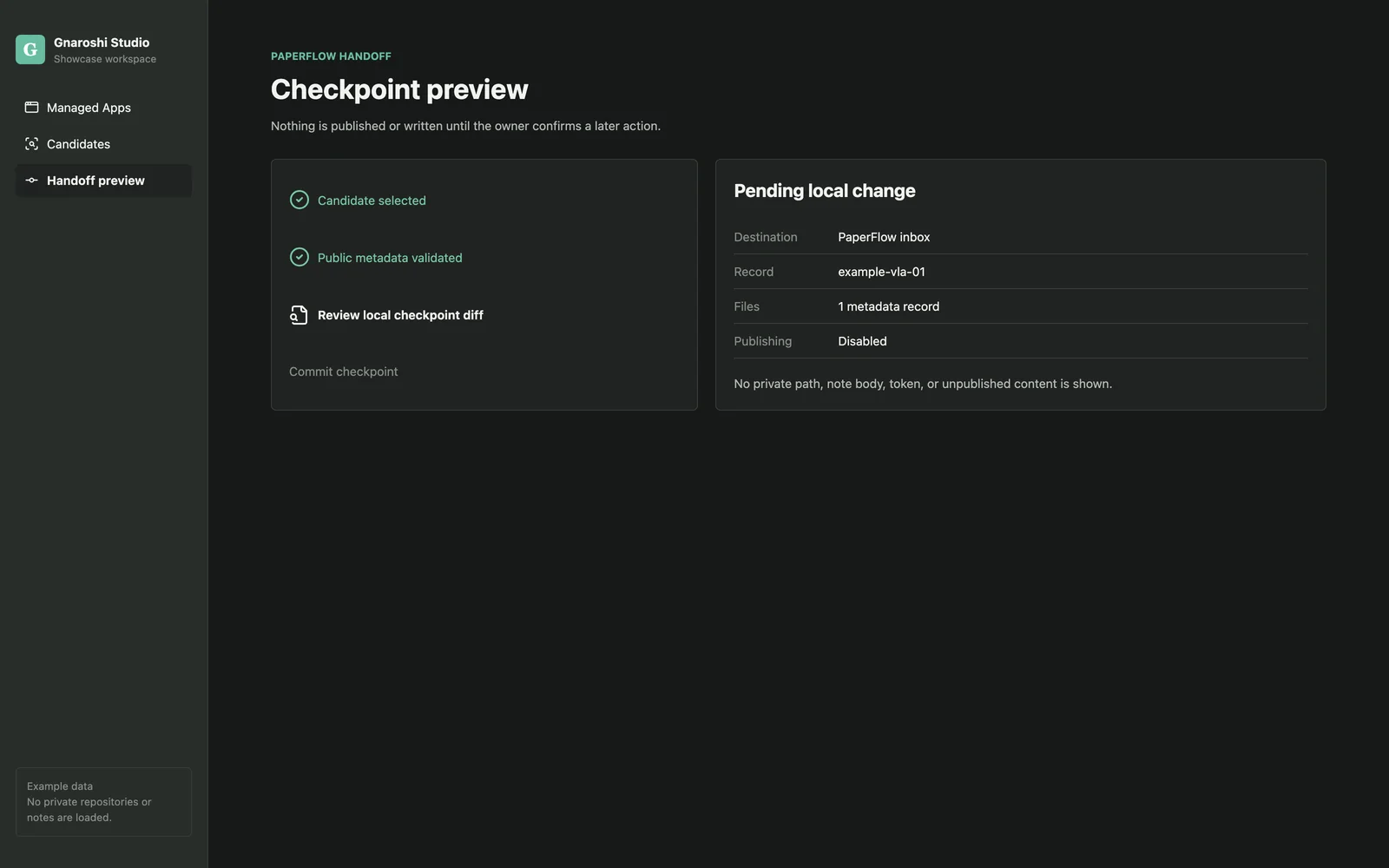
Inspect the handoff and checkpoint boundary before publishing. The titles and app activity shown are deterministic demo data. Inspect the checkpoint
Review the pending local change and stop before commit or publication.
Key features
- Local paper and writing editors
- Managed Apps availability and health checks
- Separate Git checkpoints
- Preview-first public feed publishing
- Deployment monitoring and provenance verification
Data and privacy
New records are private by default. Tokens are not stored in app data, and showcase screens contain only deterministic example records.
Tech stack
Languages
- TypeScript
- Rust
Interface
- React
Runtime
- Tauri
Technology icons are repository-owned category symbols; the verified technology name remains visible.
Current state
Authoring, repository checkpoints, public preview, feed publishing, deployment monitoring, and Managed Apps foundations are implemented for local development.
Current limitations
- Distributed macOS signing and notarization are not configured.
- Several managed-app provider releases remain under review.
Technical details
Overview
The app combines a Tauri desktop interface and shared CLI packages around the same contracts. Saving, committing, and publishing remain separate actions.
- Source provenance
- Private source repository
- Source commit
e6115c90ab86- Studio integration
- Available
- Content reviewed
- Jul 12, 2026
Studio relationship
Studio is the control plane; each companion app still owns its data and full workflow.
Technical notes
- React and TypeScript render the Tauri desktop UI.
- Rust commands and shared packages keep filesystem, Git, and publishing boundaries typed.
- The private repository URL is intentionally not public.
Next milestones
- Complete signed distribution decisions.
- Finish provider compatibility checks before advertising more managed actions.