

ContentDeck
ContentDeck keeps provider detection, subtitles, segment boundaries, and repeat state in one focused playback workspace.
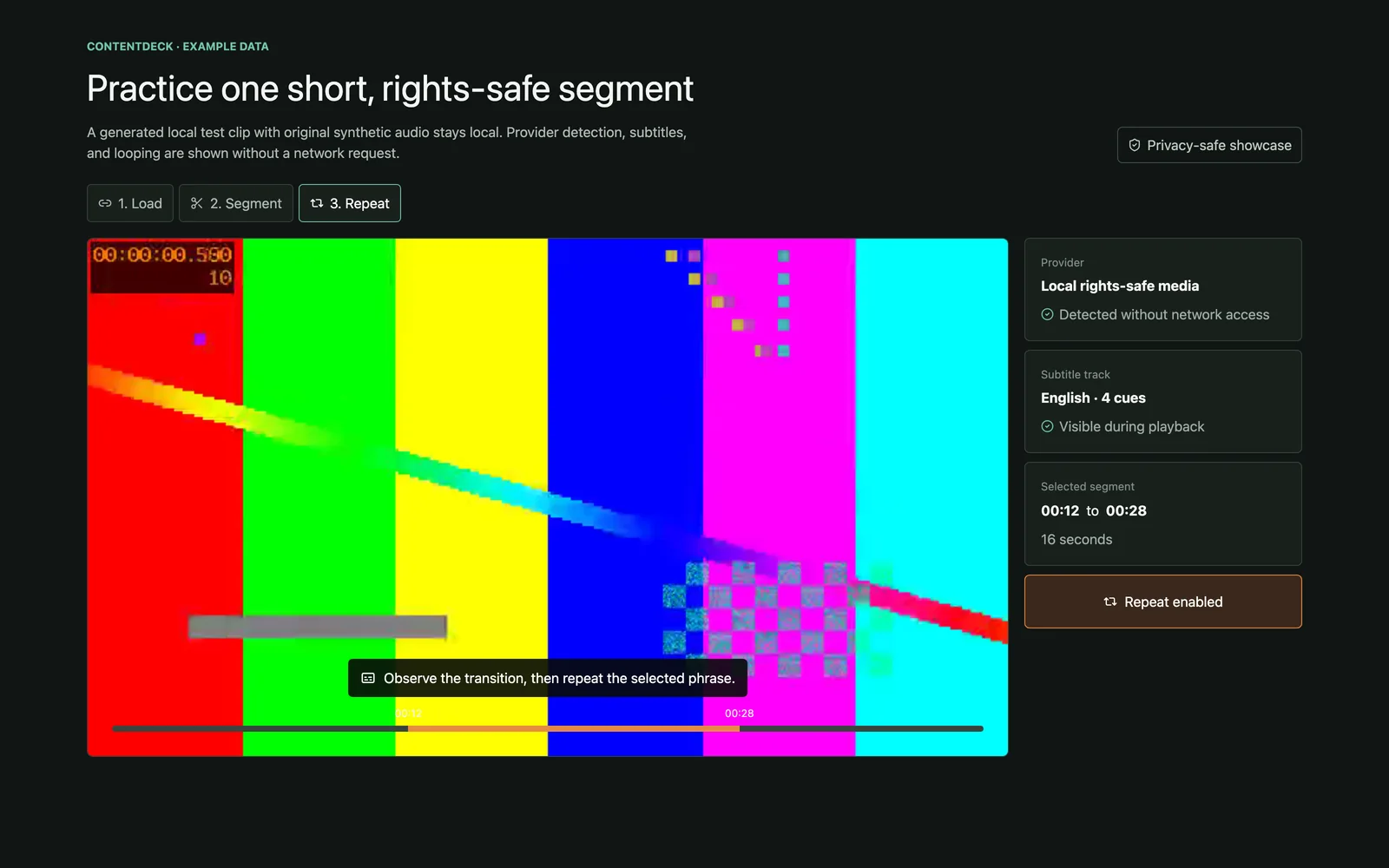
At a glance
- For
- People practicing short passages from supported media
- Primary use
- Open rights-safe media, confirm subtitles, select a short segment, and repeat it.
Example workflow
Open the media
Load a local rights-safe test clip without a network request.
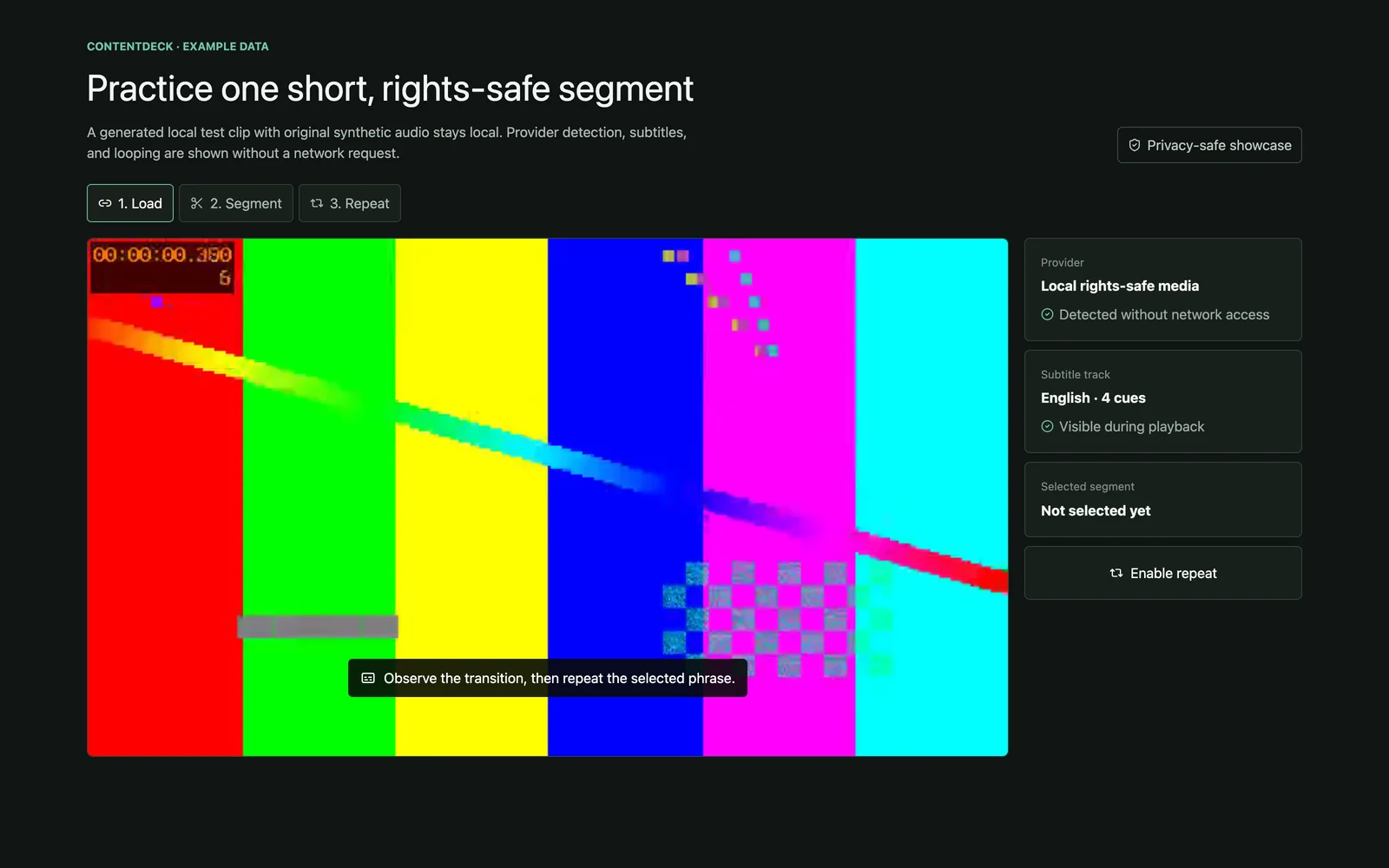
Open a rights-safe local clip and confirm subtitles. The clip, audio, subtitles, and session values are generated demo data. Confirm subtitles
Check that the subtitle track is visible during playback.
Select 16 seconds
Mark a short 00:12–00:28 practice segment.
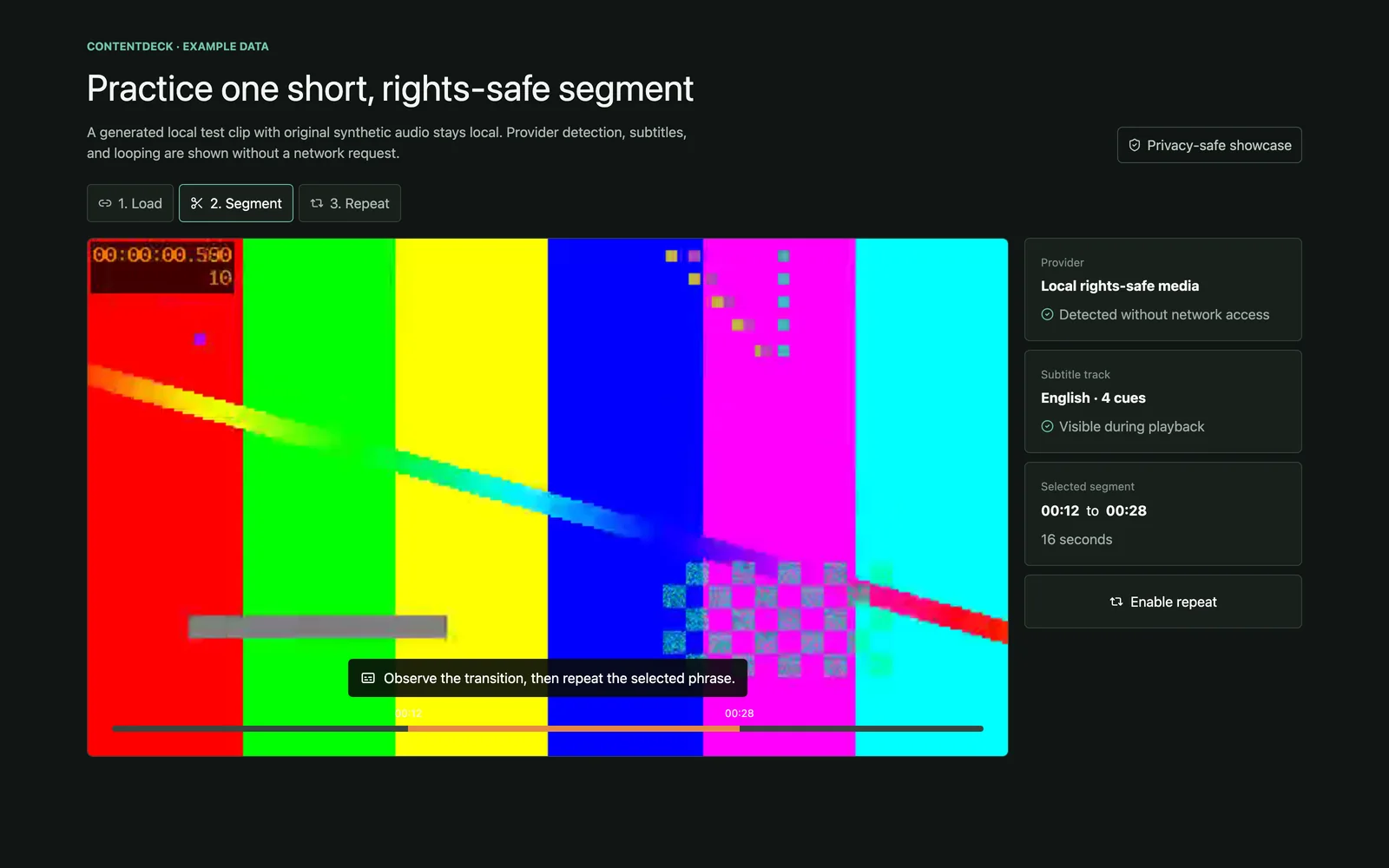
Choose a short practice segment. The clip, audio, subtitles, and session values are generated demo data. Enable repeat
Loop the selected segment while keeping the subtitle visible.
Key features
- Provider detection
- Subtitle display
- Full and segment repeat
- Saved segment context
- Web and Electron modes
Data and privacy
The approved scenario uses a generated local clip with synthetic audio. It includes no commercial frame, user history, remote URL, or credential.
Tech stack
Languages
- TypeScript
Interface
- React
Runtime
- Electron
Frameworks
- Vite
- Fastify
Technology icons are repository-owned category symbols; the verified technology name remains visible.
Current state
Provider detection, full and segment repeat, subtitle handling, web mode, and Electron mode are implemented locally.
Current limitations
- The packaged Electron app still needs a complete local verification pass.
- Provider behavior depends on the source and available subtitle metadata.
Technical details
Overview
The React interface supports web and Electron execution. A local service handles bounded media resolution while remote pages stay outside Node and shell access.
- Source provenance
- Gnaroshi/content-looper
- Source commit
5c6e2f94d1e1- Studio integration
- Under review
- Content reviewed
- Jul 12, 2026
Studio relationship
Studio may open a validated media URL in ContentDeck, but playback and subtitle state remain in ContentDeck.
Technical notes
- React and TypeScript share the player state.
- Electron provides the local desktop shell.
- Vite builds the web renderer; the bounded local service uses Fastify.
Next milestones
- Complete packaged Electron verification.
- Keep provider failures and subtitle availability explicit.