

PaperFlow
PaperFlow separates library inspection and planning from the explicit write boundary, so proposed collection and duplicate changes can be reviewed first.
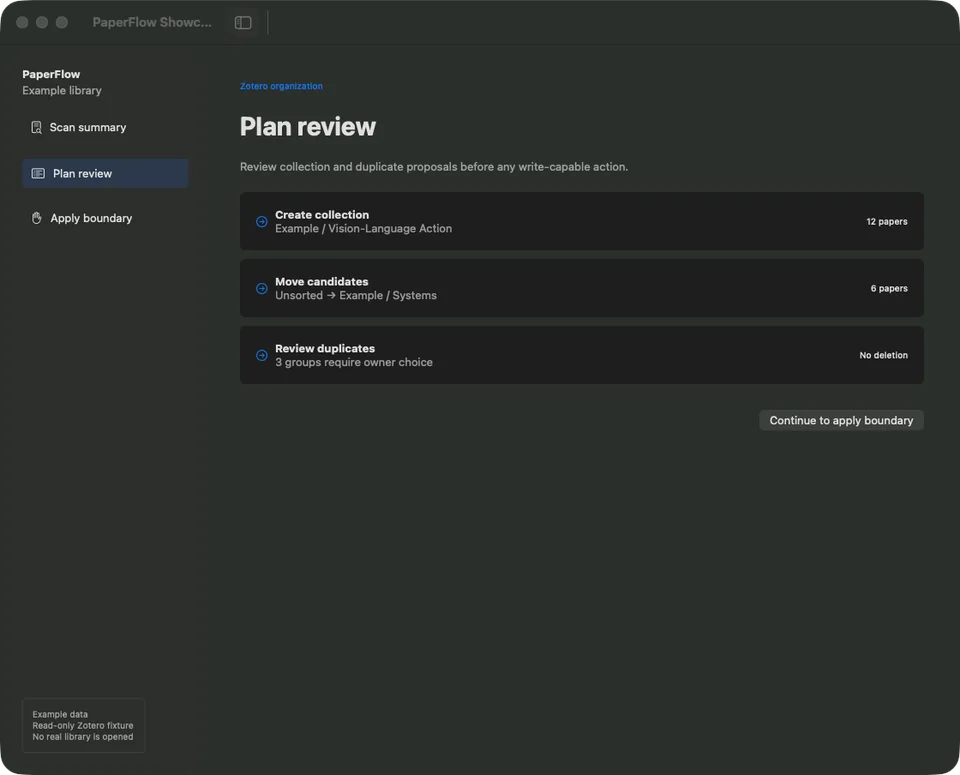
At a glance
- For
- People maintaining a local Zotero paper library
- Primary use
- Scan, generate an organization plan, inspect every proposed change, and decide whether to apply it.
Example workflow
Scan read-only
Inspect a synthetic library through the same read-only workflow.
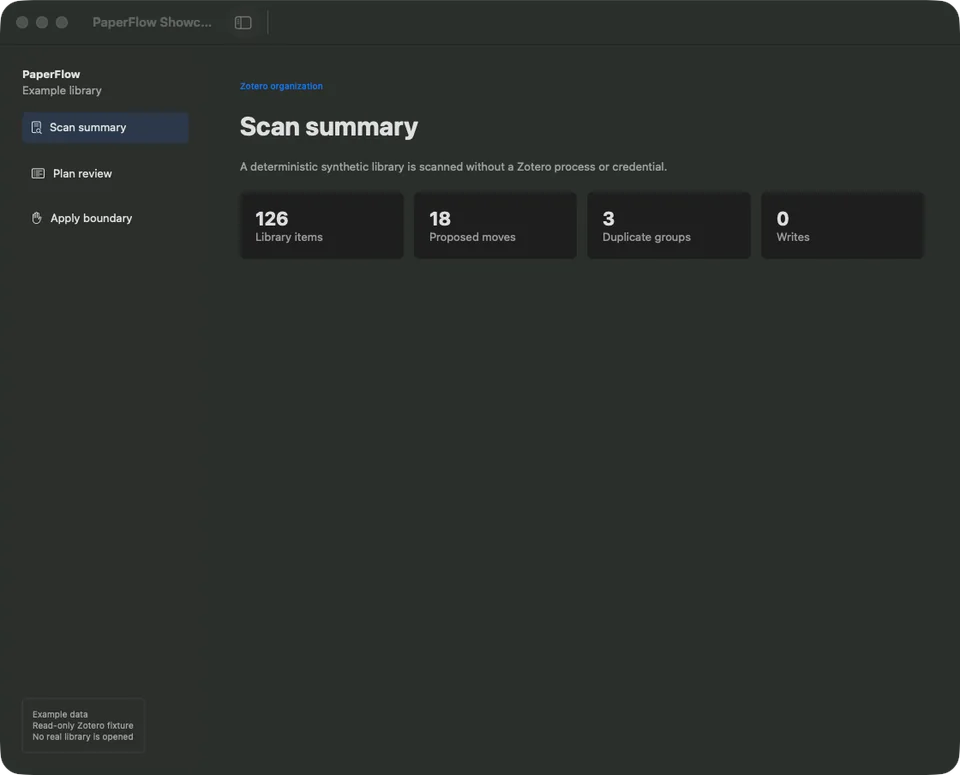
Scan the library through the read-only path. The library counts and proposed changes are demo data; no real Zotero library was opened. Generate a plan
Prepare collection moves and duplicate groups without applying them.
Review each proposal
Check scope and records before any write-capable action.
Stop at apply
Keep the apply control disabled in showcase mode and preserve the explicit boundary.
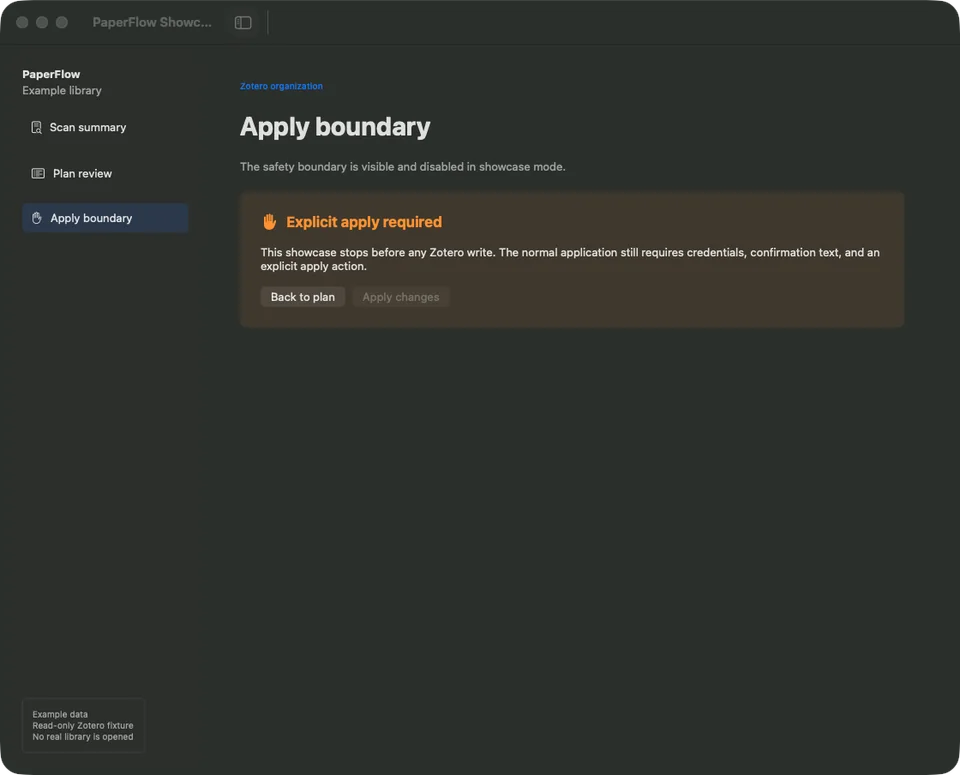
Stop at the explicit write boundary. The library counts and proposed changes are demo data; no real Zotero library was opened.
Key features
- Read-only Zotero Local API scan
- Organization and duplicate plans
- Dry-run reports
- Explicit confirmation before supported writes
- Local PDF vault workflows
Data and privacy
Showcase mode never opens a real Zotero library. Normal credentials stay in Keychain and are redacted from logs.
Tech stack
Languages
- Python
- Swift
Interface
- SwiftUI
Integrations
- Zotero Local API
Technology icons are repository-owned category symbols; the verified technology name remains visible.
Current state
Scanning, planning, reports, import previews, and local vault workflows work locally. Studio handoff contracts remain under review.
Current limitations
- Final packaged-app and appearance checks remain.
- Write-capable workflows still require careful manual review.
Technical details
Overview
The CLI owns Zotero parsing and safety rules. The SwiftUI app presents scan, plan, report, import, and review workflows without rewriting those rules.
- Source provenance
- Gnaroshi/paperflow
- Source commit
7c7bd013d171- Studio integration
- Under review
- Content reviewed
- Jul 12, 2026
Studio relationship
Studio may open PaperFlow or preview a selected-paper handoff. PaperFlow alone owns Zotero access and apply decisions.
Technical notes
- Python is the canonical planning engine.
- SwiftUI and AppKit provide the macOS interface.
- Zotero remains the owner of library metadata.
Next milestones
- Complete packaged macOS verification.
- Keep apply confirmations visible as integrations mature.